

HELP
Zlox support
Download the app, read the frequently asked questions or send us a message. We will help as soon as we can.
CONTACT
Send us a message
APP
Download the Zlox app
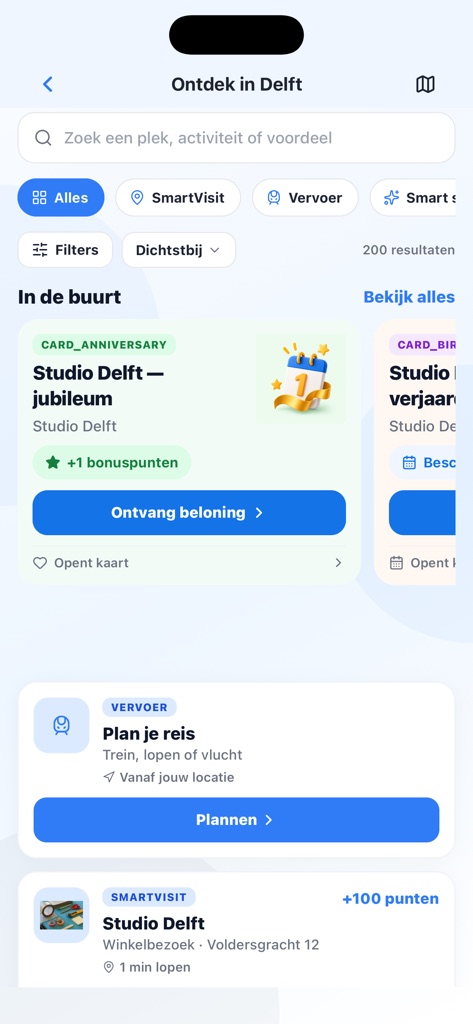
Zlox is available for iPhone and Android. Download the app and discover local places, events, products and more in Delft.
FREQUENTLY ASKED QUESTIONS
A quick answer to your question.
1How do I download Zlox?
Zlox is on the App Store and Google Play. You can download it from this page, or go to zlox.nl/go for a QR code to scan with your phone.
2How do I create an account or sign in?
Open the app and create an account with your email address. You will receive an activation email. Forgot your password? Use “Forgot password” on the sign-in screen in the app.
3How do I collect points and use my QR code?
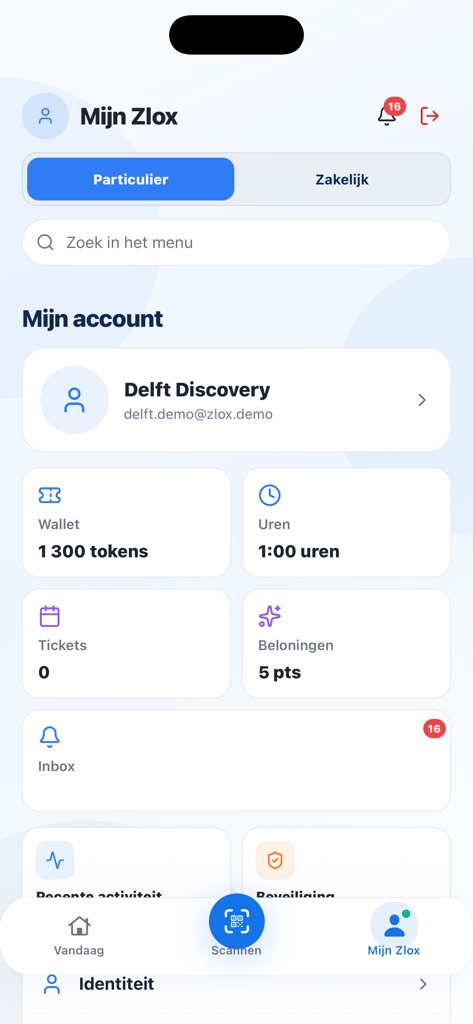
Visit a participating location and scan the in-store QR code, or show your personal Zlox QR code. Points and rewards appear in your Wallet.
4Why does Zlox ask for location?
Location helps show participating places nearby. You can decline; the app still works, but nearby alerts will be more limited.
5What are Spaces?
Spaces keep personal, family, home, celebration or travel plans organised and separate.
6What is mobile access?
At participating locations you can check in or use mobile access where it is available. This only applies at locations that have enabled it.
7How do I delete my account or data?
You can manage your account and preferences in the app. To delete your account or make a privacy request, use this form or email info@zlox.nl. See also our privacy policy.
8I have a business. How do I join?
Download the Zlox app and register your company there. Search your business in the Chamber of Commerce register (KVK), confirm you are authorised, and publish the profile yourself. The steps and a QR code are at zlox.nl/onboarding.